Download Blockman GO APK 3.15.2 Free for Android
Blockman GO studio APK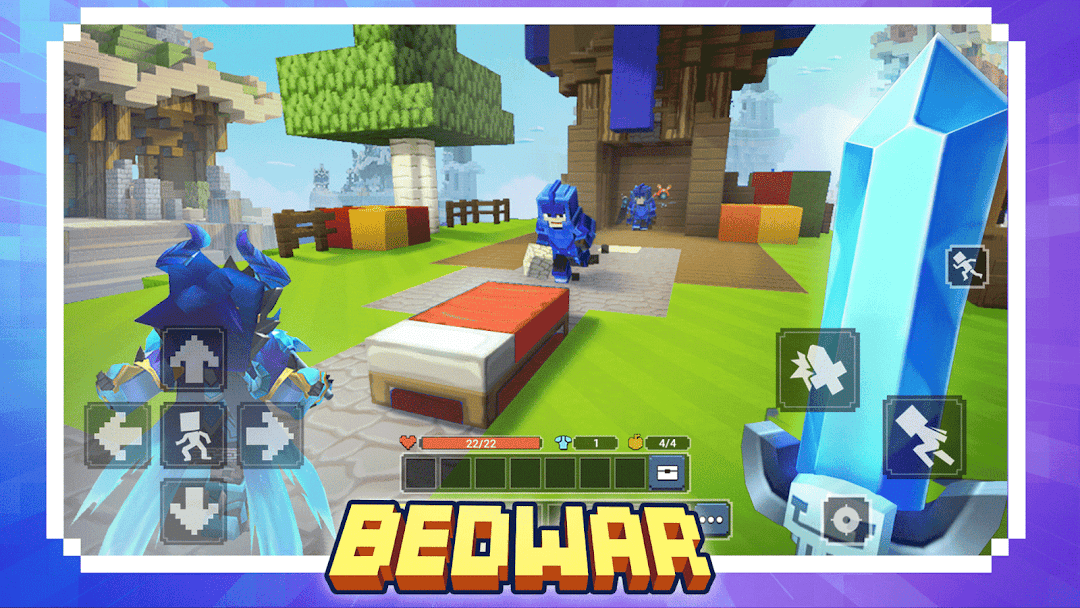
| Tên | Blockman Go |
|---|---|
| Nhà phát hành | Blockman GO studio |
| Phiên bản | 3.15.2 |
| Kích thước | 661MB |
| Yêu cầu | Android 6.0 |
| Google Play | Google Play ↗ |
| Danh mục | Arcade |
| Lượt tải | 4 |
| Giá | MIỄN PHÍ |
| Đánh giá |
★
★
★
★
★
0/5
(0)
|
| Tác giả | |
| Cập nhật |
Blockman GO packs hundreds of block-style mini games into a single app, from Bed Wars to Sky Block, and has crossed 100 million Google Play installs since its 2018 launch.
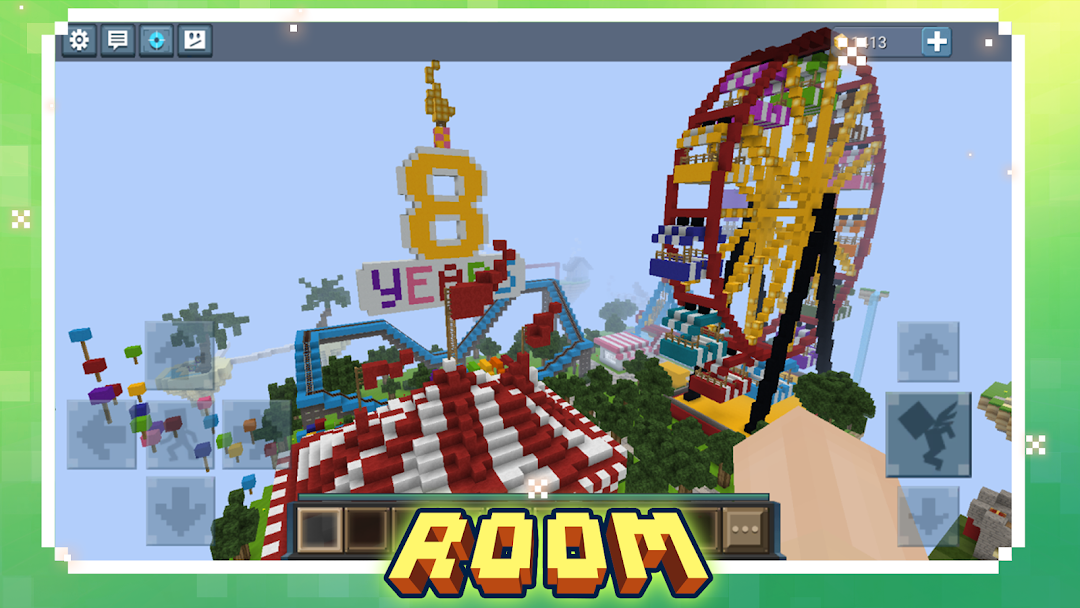
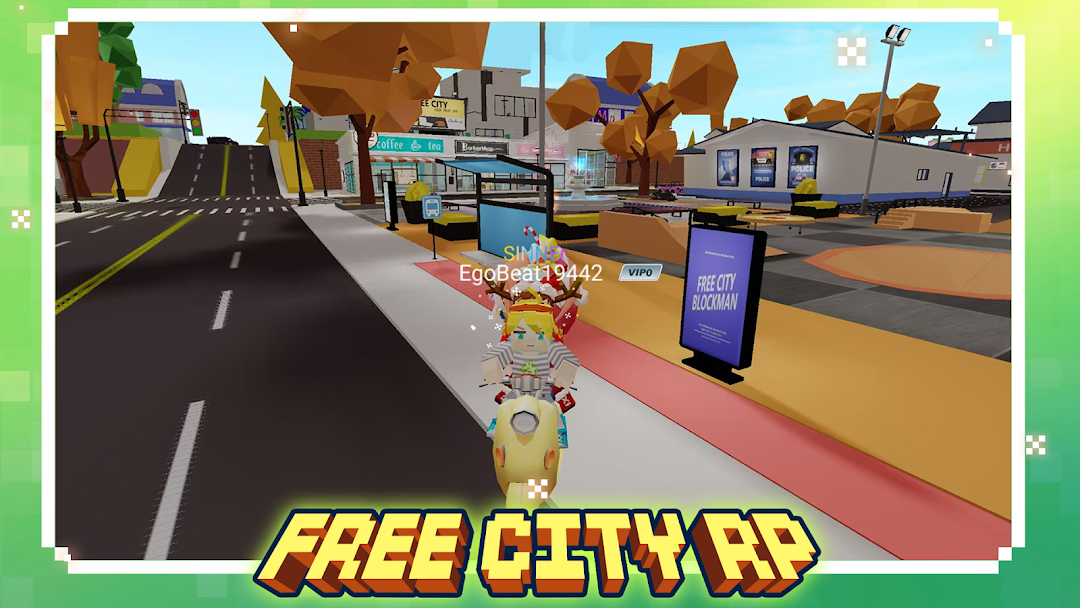
Blockman GO (full title Blockman GO: Blocky Mods) is a sandbox mini-game platform from Blockman GO Studio, the team operating under GVERSE INTERNATIONAL. Instead of one storyline, it works like a launcher: you load a shared lobby, then tap into modes such as Bed Wars, Egg Wars, Sky Block, Jail Break, and Murder Mystery, each supporting up to 50 players. The art style sits between Minecraft and Roblox, and a built-in chat, voice rooms, and avatar dressing system tie everything together. It runs on Android 5.0 and up, weighs in at over 600 MB, and stays free to play with two currencies, Gold and Gcubes, driving the economy.
- The best games in Blockman GO and which one to start with
- Bed Wars explained: talents, runes, pets, and how a round plays out
- Survival in Sky Block, Egg Wars, and Sky Wars, mode by mode
- How Gcubes and Gold work, and how to earn them without paying
- Avatar customization, the decoration shop, and what VIP actually unlocks
- What’s new in Blockman GO version 3.15.2
- Blockman GO MOD APK features
- Frequently asked questions
The best games in Blockman GO and which one to start with
Blockman GO is not one game, it is a doorway to hundreds, and four or five modes pull most of the daily traffic. Picking the right starting point matters because each mode teaches a different skill, and the lobby drops you in with no tutorial. The three groups below cover where new players spend their first hours.
The PvP combat group is the busiest. These modes reward fast building, aim, and team coordination:
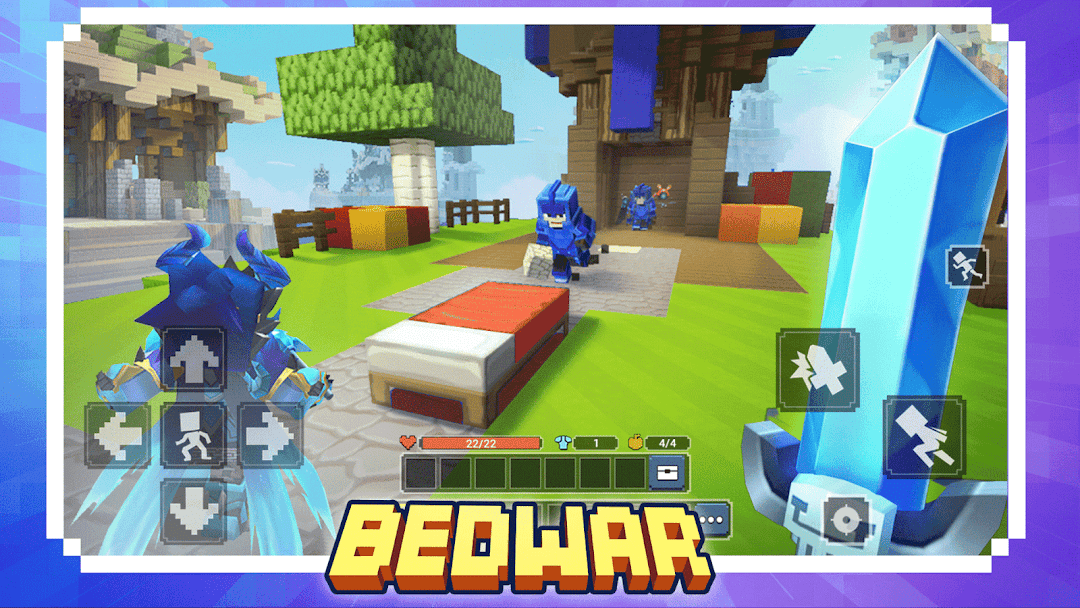
- Bed Wars: teams defend a bed while trying to break enemy beds. Lose the bed and you stop respawning, so the early game is a race to gather resources and bridge to other islands.
- Egg Wars: the same protect-and-destroy loop, except you guard an egg instead of a bed. Combat tends to be more balanced here because the pay-driven talent layer is lighter than Bed Wars.
- Sky Wars and Sky Royale: battle-royale survival on floating islands. They share the loot-and-fight core but differ in map layout and the treasures you can grab mid-match.
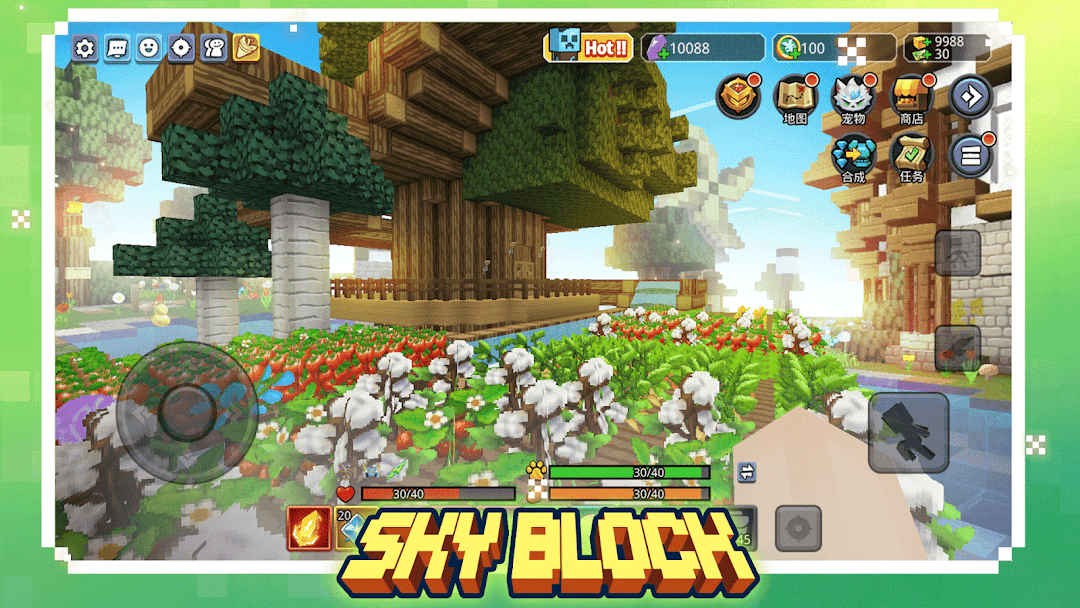
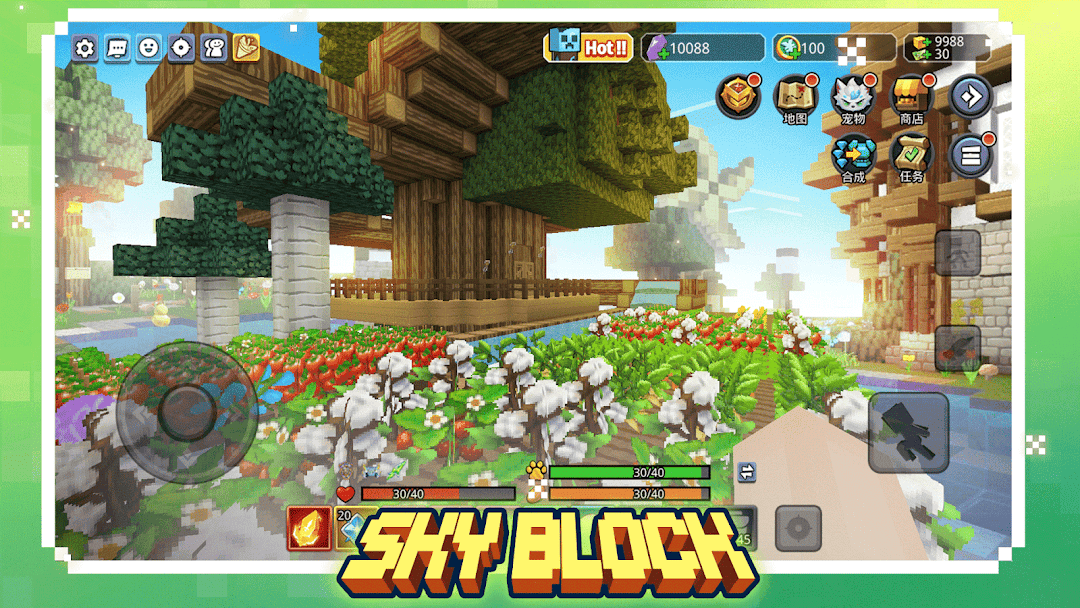
The survival and building group suits players who want a slower pace. Sky Block puts you on a tiny floating island to mine, expand, and challenge bosses, while Mining Tycoon leans into resource grinding and upgrades. The social and casual group rounds things out with Jail Break (police versus prisoners), Murder Mystery, Hide and Seek, and Bird Simulator, all built around quick rounds and chaos rather than ranked stakes. A practical starting path: try Egg Wars first for fair combat, then move to Bed Wars once you understand bridging.
Bed Wars explained: talents, runes, pets, and how a round plays out
Bed Wars is the single most-played mode in Blockman GO, and its combat is shaped by three upgrade layers most thin guides skip entirely: talents, runes, and pets. Understanding these explains why two players with the same gear can still hit very differently. A standard round starts with each team on its own island, a generator dripping resources, and one goal: protect your bed while breaking everyone else’s.
Runes give passive boosts you equip before a match, pets follow you and trigger abilities during the fight, and talents form a progression tree that strengthens the longer you invest. Because the talent and pet layers favor accounts that have spent time or money, the developers added a stripped-back Event Mode (originally called Classic) around February 2024 that allowed runes only, disabled pet abilities, and removed the in-match Gcube store to curb pay advantage. The game also runs fair-play barrier blocks at the top and bottom of maps that shrink over time and damage players, a direct counter to campers who hide above the build height. For a first win, focus on bridging to the nearest island early, breaking that team’s bed before they fortify, then falling back to defend your own.
Survival in Sky Block, Egg Wars, and Sky Wars, mode by mode
Sky Block has its own economy that runs separate from the rest of the app, which is why “skyblock coins” and “cross” show up so often in player searches. You begin on a small floating island and expand by mining, completing time-limited tasks, and clearing boss challenges, earning Sky Block coins as you go. High-value items like the cross and full armor sets are the long-term goals, and the friction many players hit is that premium Gcubes can shortcut purchases that free players grind coins for, a balance gap community feedback raises often.
Egg Wars keeps the survival tension shorter and more combat-focused. You protect a single egg that anchors your respawns, push outward to mine ore from a central generator, and spend it on blocks and gear to raid rival islands. Sky Wars and Sky Royale compress survival into a battle-royale shape: land on an island, loot chests fast, and outlast everyone as the playable space tightens. The split worth knowing is pace. Sky Block rewards patient building over many sessions, while Egg Wars, Sky Wars, and Sky Royale resolve in minutes and lean on quick decision-making.
How Gcubes and Gold work, and how to earn them without paying
Blockman GO runs on two currencies that do very different jobs, and confusing them is the most common new-player mistake. Gold is the free currency you earn by playing minigames, with payouts scaling to your in-match score, and it covers most basic decorations. Gcubes are the premium currency, normally bought with real money, and they unlock the rarer outfits, exclusive items, and Sky Block shortcuts.
You can build up both without spending, though it takes consistency:
- Daily login calendar: the simplest source. Early days hand out Gold and basic items, but the Gcube payouts spike around the 7th, 14th, and 30th day, so logging in even without playing keeps the streak alive.
- Daily and weekly quests: tasks like “play 3 rounds of Egg Wars” or “reach level 5 in a mode.” Pick quests tied to games you already enjoy, since the higher tiers occasionally list Gcubes as the final reward.
- Redeem codes and events: official codes posted on the game’s channels give small, instant Gcube injections, and limited-time events drop vouchers, coins, and outfits.
One paid layer worth understanding is VIP, which grants a 20% discount on decorations, daily gifts, and a boost to Gold income. For free players, stacking the login streak with quest rewards is the realistic path to the items Gcubes usually gate.
Avatar customization, the decoration shop, and what VIP actually unlocks
The avatar system is a core reason players stay in Blockman GO long after they tire of any single mode, because your character carries across every game in the hub. The dressing system layers outfits, hats, faces, wings, shoes, and accessories, and you can save full presets to swap looks fast between sessions. Some decorations are gender-exclusive, so the choice you make at character creation affects which items the shop offers you later.
Most cosmetics are bought with Gold or Gcubes, and the priciest sets sit behind Gcubes, which is where VIP changes the math with its standing 20% decoration discount and daily gifts. Beyond looks, the social layer keeps the platform sticky: real-time chat, voice rooms, group messaging, and an AI translation feature that lets players across languages talk in the same match. The clan system adds a long-term track on top, recently expanded so clans can climb to a higher level cap. If you mainly want to stand out, prioritize saved presets and the seasonal event outfits, which rotate and tend to look sharper than the base shop stock.
What’s new in Blockman GO version 3.15.2
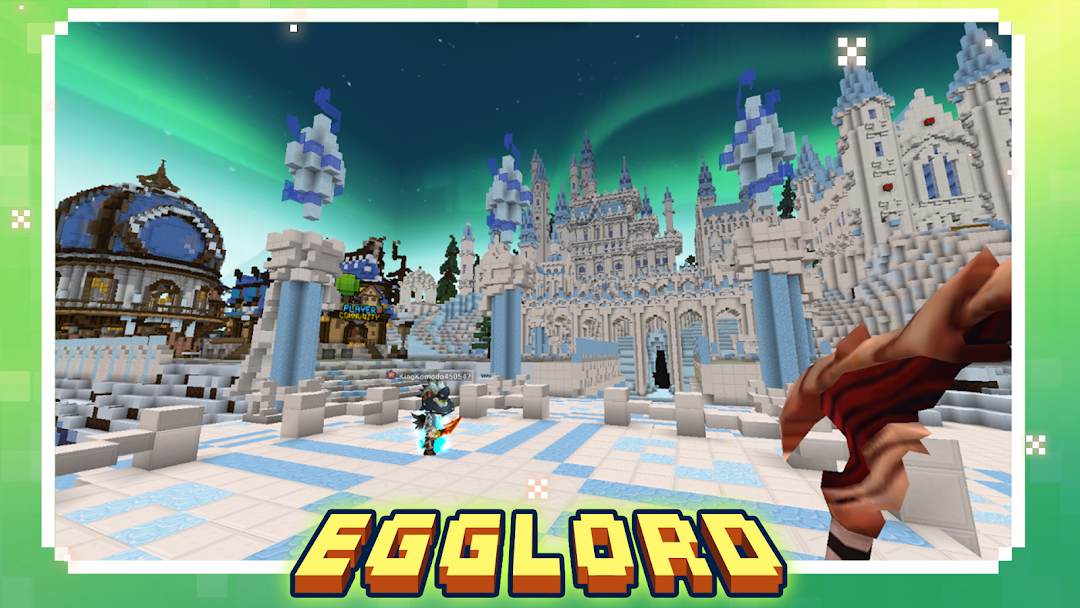
Version 3.15.2 continues the run of collaboration and anti-abuse updates that have defined recent Blockman GO releases. The headline change is a co-created gameplay crossover built with EggLord, adding fresh content into the existing platform rather than a standalone mode.
The other major focus is safety. This build optimizes anti-fraud and anti-scam measures inside the chat interface, a response to long-standing community complaints about scammers targeting players over rare items. Recent updates leading into this version also touched the clan system, with its level cap raised to 15, refreshed the Mining Tycoon feature, and reworked the leaderboard function. For comparison, the earlier 3.13.2 build shipped the same EggLord collaboration and chat anti-fraud work, so 3.15.2 reads as a continuation and stability pass rather than a full content overhaul.
Blockman GO MOD APK features
The Blockman GO MOD APK aims at the two walls free players hit hardest: the Gcube paywall on rare cosmetics and Sky Block items, and the ad gates between bonus rewards. It bundles currency and unlock features so you can dress avatars, stock Sky Block, and skip the grind that the daily login calendar normally stretches across weeks.
Unlimited Gcubes and Gold
This is the headline feature, topping up both currencies so you no longer farm Gold through minigame scores or wait for the day-7, day-14, and day-30 login spikes to collect Gcubes. With the premium balance lifted, the Gcube-gated cosmetics and Sky Block items like the cross and full armor sets stop being long-term goals. It is most useful for players who want to skip the Sky Block coin grind entirely or buy out the decoration shop without leaning on the VIP 20% discount.
Mod Menu
The mod menu floats over the lobby and matches, letting you toggle the build’s features on the fly instead of committing to a fixed patch. Toggles typically cover the currency and unlock options, so you can enable them before loading into Bed Wars or Sky Wars and switch them off in modes where you want a cleaner run. This matters in Blockman GO because each minigame in the hub has different rules, and a single global tweak does not fit Egg Wars and Sky Block equally.
All decorations and skins unlocked
Every outfit, hat, wing, and accessory in the dressing system opens up, including the Gcube-priced premium sets and the gender-exclusive items normally locked at character creation. Stock Blockman GO funnels these through Gold and Gcubes, with the rarest behind the premium wall, so this feature collapses the entire cosmetic economy into a free open wardrobe. It pairs well with saved presets, letting you build several full looks without touching the shop or VIP perks.
No ads (ad-free)
This strips the rewarded-ad prompts and interstitials that the stock app uses between bonus reward claims. In the base game, several extra Gold and item rewards sit behind watching an ad, and the lobby serves promos between sessions. Removing them keeps the flow between Bed Wars rounds and lobby browsing uninterrupted, which is the friction casual players complain about most.
The table below maps the core differences between the stock Blockman GO and the MOD build, so you can see exactly which limits the MOD removes before deciding to install it.
| Criteria | Stock APK | MOD APK |
|---|---|---|
| Gold | Earned per minigame, scales with score | Topped up, no grinding required |
| Gcubes | Bought with real money or login spikes (day 7, 14, 30) | Provided in the build |
| Premium decorations | Gcube-locked, VIP gives 20% discount | All outfits and skins unlocked |
| Note: Blockman GO is an online multiplayer platform, so currency and unlock features behave differently from offline games. Read the FAQ below on bans before installing. | ||
| Sky Block items (cross, armor) | Grinded with Sky Block coins or Gcubes | Accessible without the coin grind |
| Rewarded ads | Required for bonus Gold and item rewards | Removed, rewards uninterrupted |
| Feature control | Fixed | Mod menu toggles in lobby and matches |
Frequently asked questions
Is the Blockman GO MOD safe to use online?
Treat it with caution. Blockman GO validates Gold, Gcubes, and progress on its own servers, so currency features in any MOD can behave unpredictably in online modes like Bed Wars and Egg Wars. Use a secondary account rather than your main one, and avoid logging in to a profile you have spent money on. Offline-leaning features such as ad removal carry less risk than server-side currency changes.
Will the MOD get my Blockman GO account banned?
It can. The game runs active fair-play systems, including the barrier blocks in Bed Wars and the anti-fraud chat measures expanded in version 3.15.2, and modified clients are exactly what those systems watch for. Accounts flagged for irregular Gcube or Gold activity risk suspension. Keep any modded play on a throwaway account and never link it to a payment method or social login you care about.
How is the MOD different from the stock APK?
The stock APK is the official free build where Gold comes from minigame scores and Gcubes cost real money or come from login streaks. The MOD adds a currency top-up, unlocks the Gcube-gated decorations and Sky Block items, removes rewarded ads, and bundles a mod menu to toggle features. In short, it skips the grind and the paywall the stock version is built around.
Do you need to root your device to run the MOD?
No, most Blockman GO MOD builds install as a standard APK on Android 5.0 and up without root, the same requirement as the stock app. Because the file runs over 600 MB, clear storage before installing. If you already have the official version, you may need to remove it first, since signatures from different sources will not install over each other.
Is Blockman GO free to play on the stock version?
Yes. The official Blockman GO is free, with hundreds of mini games like Bed Wars, Sky Block, and Egg Wars available at no cost. Spending is optional and flows through Gcubes for premium cosmetics, Sky Block shortcuts, and the VIP tier with its 20% decoration discount. Free players can still earn Gold every match and collect Gcubes through the daily login calendar and quests.